November 26, 2025

No items found.

Are you looking for a way to streamline your daily tasks and boost your productivity? Meet Runable, a powerful new general AI agent designed to handle everything from content creation to complex automation. Imagine delegating your digital to-do list to an intelligent assistant that understands your needs. With Runable, you can create professional materials and automate repetitive processes using simple text commands. This guide will walk you through everything you need to know to get started with this game-changing platform today.
At its heart, Runable is a general AI agent that you can delegate any digital task to. Think of it as a versatile assistant that can build slides, draft reports, generate videos, and even construct websites from a single instruction. It bridges the gap between different AI tools by offering one unified platform for all your needs.
The main power of Runable lies in its core functions and extensive integrations. It's not just about creating content; it's about building smart automation workflows. You can connect it to thousands of apps you already use, allowing the AI agent to execute multi-step tasks across different platforms. We will explore what makes Runable unique and how its functions can support you.
What sets Runable apart for newcomers is its incredible simplicity and broad capabilities. You don't need a technical background or coding skills to get started. The platform is built with a clean and intuitive UI, allowing you to give instructions in plain English. This focus on accessibility means anyone can begin automating their work and creating content right away.
Unlike specialized tools that do only one thing, Runable is a generalist agent. This means it can handle a wide variety of tasks, from designing a presentation to conducting stock research and saving it to a document. While specialist tools have historically performed better in certain areas, benchmark reports show that generalists like Runable are quickly catching up and offering more versatile solutions.
The platform is designed to learn and improve, partly through human feedback. As you use Runable, it gets better at understanding and executing your requests. This makes it a great tool for improving personal productivity, as it adapts to your specific needs and helps you accomplish more with less effort.
Runable combines powerful content creation with deep automation capabilities. You can use it as your go-to tool for nearly any digital task. The platform can generate a wide range of editable materials, helping you move from an idea to a finished product in minutes. This makes it an ideal solution for professionals, students, and creators who need to produce high-quality content quickly.
The true strength of Runable is its ability to create automated workflows across a massive ecosystem of applications. With support for over 3,000 integrations, you can connect your favorite tools and let the AI handle the rest. Whether you want to analyze data from a website and save it to a Google Doc or schedule social media posts, the possibilities are nearly endless. You can even use it to control your desktop for more advanced tasks.
Here are some of the tasks and integrations Runable supports:
Task Category
Examples
Content Creation
Slides, Websites, Reports, Documents, Podcasts, Images, Videos
Automation
Stock Research, Data Extraction, Daily Reporting, Task Scheduling
Integrations
Google Docs, Excel, Email Clients, Social Media Apps (3000+ total)
Jumping into Runable is a straightforward process designed to get you automating tasks as quickly as possible. You don't need any special software or technical expertise. The platform is web-based, making it accessible from your browser. The goal is to empower you to delegate any digital task to a capable AI agent.
In the following sections, we'll provide a simple, step-by-step guide to help you begin. From setting up your account to creating your first automated workflow, you'll learn how to use this generalist tool to make your day more productive. Let's get you started on your automation journey with Runable.
Before you start with Runable, you might be wondering what you need. The good news is that the requirements are minimal, as the platform is designed for maximum accessibility. You won't need any programming skills or specialized knowledge. The intuitive UI ensures that anyone can start creating and automating right away.
The primary goal of Runable is to provide a powerful AI agent that works for everyone, regardless of their technical background. The system relies on natural language prompts, so if you can describe the task you want to be done, you can use Runable. It's built to understand your instructions and turn them into action.
Here are the only things you really need to get started:
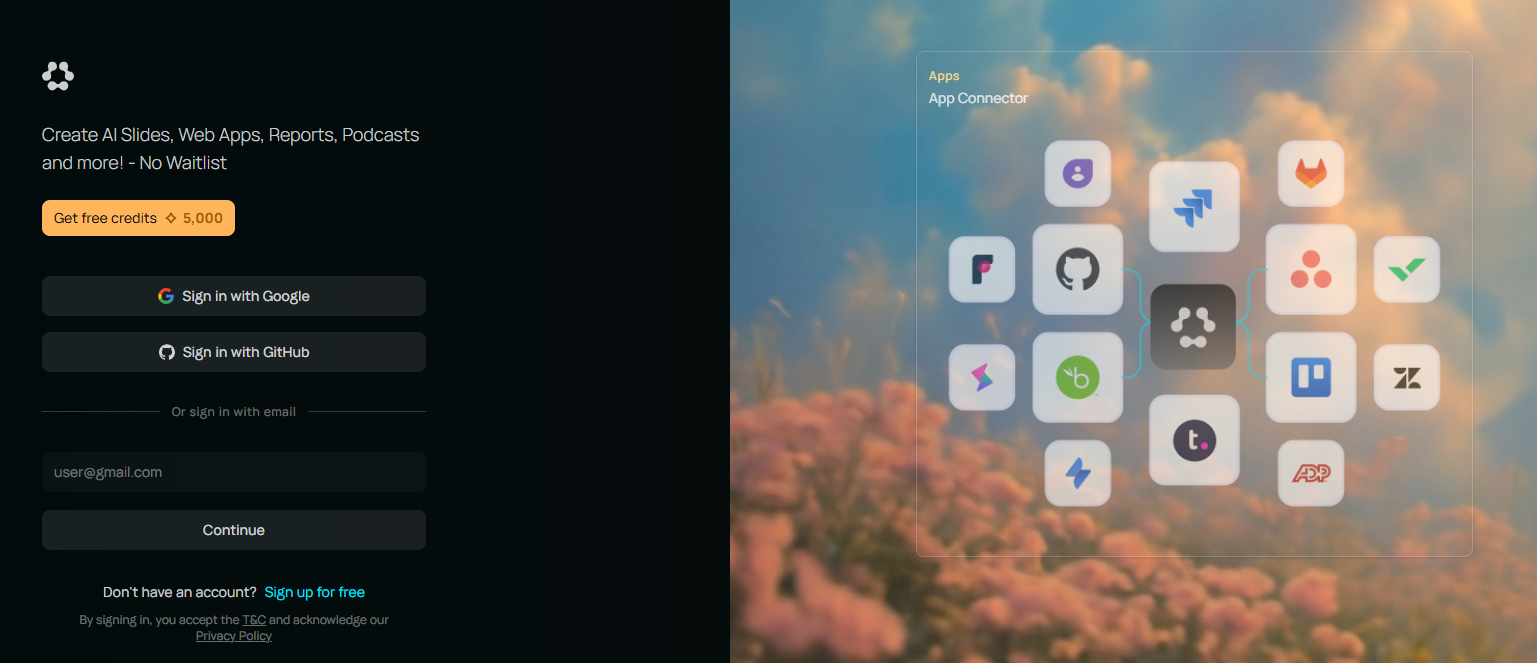
Your first step into the world of AI automation with Runable is creating your account. The process is designed to be quick and easy, getting you to the action in just a few moments. Simply navigate to the official Runable website, runable.com, to begin the sign-up process. You'll likely just need to provide some basic information to get started.
Once your account is created, you'll gain access to the platform's main dashboard. This is your command center for all AI-powered activities. The first time you log in, take a moment to look around. The UI is designed to be clean and welcoming, avoiding the clutter that can make other powerful tools intimidating for new users.
Runable is a generalist AI, and the dashboard reflects this by giving you a clear starting point to delegate any task. You don't need to download or install any software. Everything happens right in your browser, making it incredibly convenient to access your AI assistant from anywhere.
After logging in, your next step is to familiarize yourself with the Runable dashboard. This is where you'll interact with the AI agent and manage all your projects. You will immediately notice that the UI is designed for simplicity, allowing you to focus on the task at hand rather than getting lost in complex menus. The main area of the dashboard is likely where you'll enter your prompts.
Take some time to explore the different sections available. You'll find tools for creating new content, managing existing workflows, and connecting your applications. The platform brings everything together in one place, so you don't have to jump between different services to complete a digital task. This unified approach is a core feature of Runable.
As you navigate the dashboard, think about a simple task you want to automate. It could be something like summarizing an article or creating a to-do list. This will help you understand how to communicate with the AI agent and see its capabilities in action.
Now it's time for the exciting part: creating your first automated task with Runable. The process begins with a simple prompt. Think of a digital task you want to accomplish and describe it in plain language. For example, you could type, "Create a five-slide presentation about the future of artificial intelligence," or "Write a report summarizing today's tech news."
Once you enter your prompt, the Runable AI agent gets to work. It interprets your instruction and begins executing the task. You can watch as it generates the content or sets up the automation workflow you requested. The platform handles all the complex steps behind the scenes, delivering a finished, editable product.
This simple, prompt-based interaction is the foundation of using Runable. You can automate a wide range of tasks, from generating creative content like podcasts and videos to performing routine business functions. The key is to be clear and specific in your instructions to get the best results from the AI.
Once you're comfortable with basic prompts, you can explore one of Runable's most powerful features: custom workflows and integrations. This is where you can truly tailor the automation to your specific needs. Instead of just a single task, you can chain multiple actions together across different applications. For instance, you could create a workflow that researches a topic online, compiles the findings into a document, and then emails it to your team.
Managing your integrations is simple. From the dashboard, you can connect Runable to the thousands of apps you use every day. This allows the AI agent to interact with services like Google Docs, your email client, and more. This cross-platform capability is what makes Runable a true desktop assistant, capable of handling complex, multi-step processes.
As you build more custom workflows, you'll see how Runable measures up against any benchmark for productivity tools. The ability to create, customize, and automate without writing a single line of code puts incredible power at your fingertips, helping you save time and focus on more important work.
KeywordSearch has an AI Audience builder that helps you create the best ad audiences for YouTube & Google ads in seconds. In a just a few clicks, our AI algorithm analyzes your business, audience data, uncovers hidden patterns, and identifies the most relevant and high-performing audiences for your Google & YouTube Ad campaigns.
You can also use KeywordSearch to Discover the Best Keywords to rank your YouTube Videos, Websites with SEO & Even Discover Keywords for Google & YouTube Ads.
If you’re looking to SuperCharge Your Ad Audiences with AI - Sign up for KeywordSearch.com for a 5 Day Free Trial Today!
In conclusion, getting started with Runable AI opens up a world of possibilities for both beginners and experienced users alike. With its unique features and user-friendly interface, you can easily automate your tasks and enhance your productivity. By following the step-by-step guide outlined in this blog, you'll be well-equipped to explore the dashboard, customize workflows, and create your first automated task without any hassle. Remember, the journey to mastering Runable AI is just beginning, and with continual learning, you can maximize its potential to transform your workflow. If you're ready to take the plunge, don't hesitate to get started today!
No, Runable AI does not require any coding experience. The platform is designed with a user-friendly UI that allows you to create complex automation workflows using simple, natural language prompts. It's built for everyone, from beginners to experts, to manage tasks on their desktop without writing code.
Runable is a newly launched platform. While information about specific pricing plans is still emerging, there may be different access tiers, including potential beta access or trial periods. For the most current details on pricing and plans, it's best to visit the official Runable website.
You can automate a wide variety of tasks with Runable. This includes creating content like slides, websites, reports, and videos from a single prompt. You can also set up complex automation workflows, such as performing daily stock research or extracting information from websites and saving it to a document.
The best place to find official resources is on the Runable website at runable.com. As a new platform, they will likely be adding comprehensive documentation, guides, and tutorials. You can also follow their official LinkedIn page for updates, examples of automation workflows, and community news.