December 19, 2025

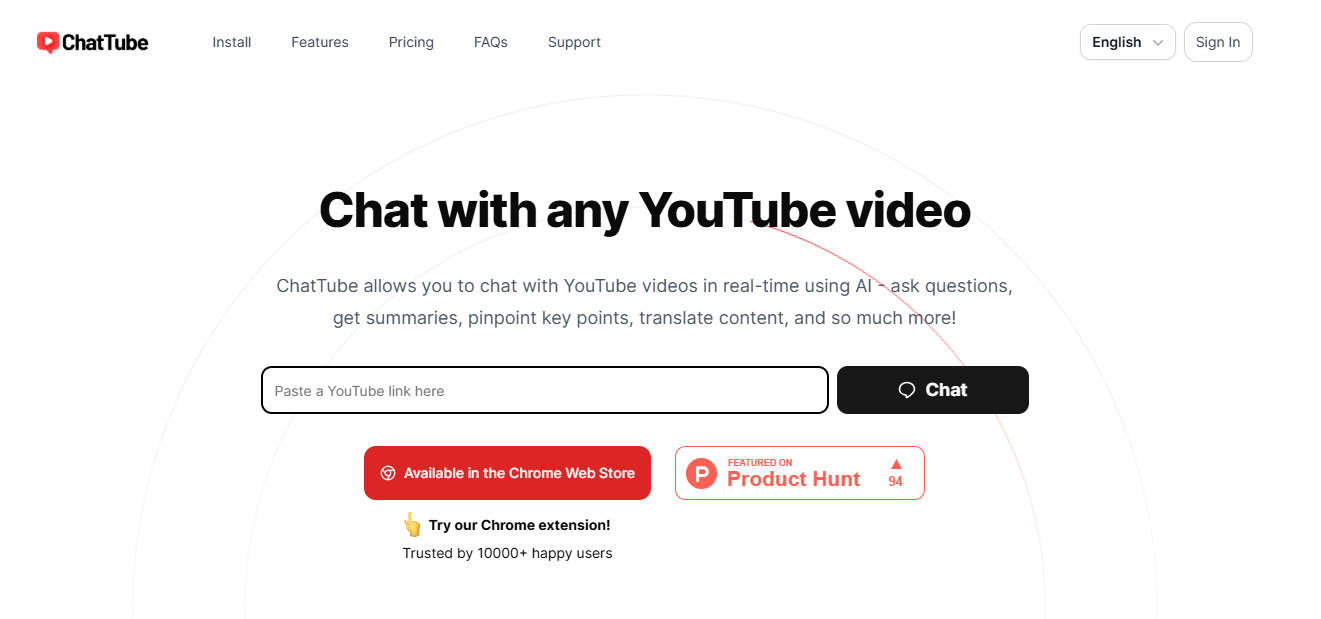
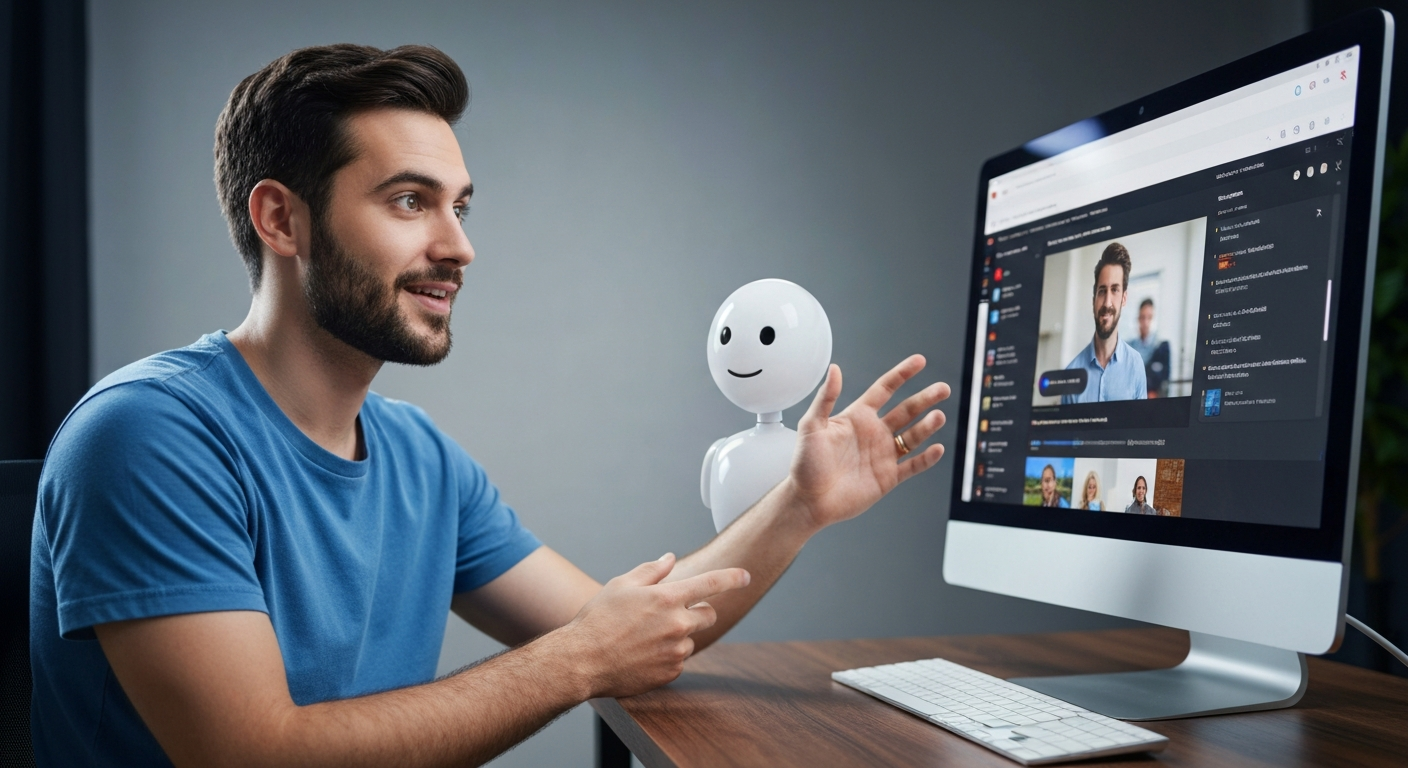
Have you ever wished you could ask a YouTube video a question and get an instant answer? Now you can. Meet ChatTube, a revolutionary AI tool designed to change how you interact with content on YouTube. Powered by advanced technology similar to ChatGPT, this tool transforms passive viewing into an active conversation. It’s a simple way to get more from every video you watch, making your experience more insightful and engaging than ever before.
ChatTube introduces a new layer of engagement to your viewing sessions. Instead of just watching, this AI tool allows you to dive into a video's content through conversation. This creates a deeply interactive experience, turning lectures, tutorials, and reviews into personalized dialogues.
For viewers and content creators alike, this means a richer understanding of the subject matter. You can clarify doubts, explore topics further, and connect with the material in a completely new way. Let’s look at how this integration works and what kinds of interactions are possible.
This innovative AI tool works seamlessly within the YouTube environment. Once you install the extension, a chat window appears alongside the video you're watching. This opens a direct line of communication with an intelligent chatbot ready to discuss the content with you.
The technology behind it uses a system similar to ChatGPT to analyze the video's information, including its transcript. This allows the chatbot to understand the context, themes, and key details being presented. As a result, its responses are not generic; they are specifically tailored to the YouTube video you are currently watching.
All your conversations are saved, so you can pick up right where you left off the next time you visit the video. This feature makes it a powerful tool for ongoing learning and research, ensuring you never lose your train of thought.
Interacting with video content through ChatTube is both simple and powerful. The AI chatbot provides instant responses, making your viewing session feel like a one-on-one tutorial. This creates a dynamic and interactive experience that traditional viewing cannot match.
You can engage with the chatbot in several ways to enhance your understanding. Whether you're studying for a class or just curious, you have a knowledgeable assistant at your fingertips. The possibilities are vast, allowing you to control how you consume information.
Here are a few ways you can interact with the video content:
What makes ChatTube a must-have AI tool for YouTube enthusiasts? It’s the combination of an intelligent AI chatbot and features designed for practical use. You get instant responses that feel natural and conversational, helping you quickly find the key points you need without re-watching entire sections.
This tool goes beyond simple summaries by analyzing the video’s content to provide relevant, insightful answers. The following sections will explore its real-time conversation abilities and excellent language support, which make it accessible to a global audience.
One of the standout features of ChatTube is its ability to hold a conversation in real time. As you watch a video, you can type a question into the chat window and receive instant responses. This eliminates the need to pause, rewind, or search for information elsewhere.
Powered by a ChatGPT-like engine, the AI chatbot delivers answers that are natural and context-aware. It feels less like interacting with a program and more like talking to a knowledgeable friend who has already mastered the video's content. This fluid dialogue creates a truly interactive experience.
This capability is perfect for clarifying complex topics on the fly, fact-checking information, or simply exploring a subject in greater depth. The immediate feedback loop keeps you engaged and helps you absorb information more effectively.
ChatTube is designed for a global audience, offering robust language support that enhances its accessibility. You can easily switch your preferred chat language in the settings, allowing the tool to prioritize that language in its responses. This makes it incredibly useful for watching non-English videos.
This feature is a game-changer for language learning. You can watch content in a new language and use the chatbot to get translations, definitions, and explanations in your native tongue. It turns any YouTube video into an impromptu language lesson.
The multilingual capabilities open up a world of content.
Jumping into the world of AI-powered YouTube conversations is incredibly straightforward. You can get started by adding the ChatTube Chrome extension to your browser, which provides easy access whenever you're on YouTube. The user-friendly interface ensures that even new users can begin chatting immediately.
For those who use other browsers, a web app version is also available. The goal is to make this powerful tool accessible to everyone, regardless of their preferred setup. Let's walk through the simple installation and setup process.
Getting ChatTube is quick and easy, primarily through its popular Chrome extension. This is the most integrated way to use the tool, as it places the chat feature directly on the YouTube page for maximum convenience and usability.
While it is best known as a browser extension, there is also a web app version available. This means you can still enjoy its features even if you don't use a Chromium-based browser. The team is focused on providing easy access to everyone.
Here’s how to install the Chrome extension:
The setup for ChatTube is designed to be minimal. Once you've added the extension to a Chromium-based browser like Chrome, Edge, or Brave, there are no complicated steps. The chat interface will automatically appear on YouTube, ready for you to use.
Device compatibility is broad. The extension works on any computer that supports Chromium browsers. For users on other systems or browsers like Firefox or Safari, the web version of the app provides a reliable alternative, ensuring you can access your chat history and continue conversations from anywhere.
This flexibility allows you to use ChatTube across different devices. Whether you're on your desktop at home or your laptop on the go, the intuitive interface remains consistent, making it easy to switch between platforms without a learning curve.
ChatTube offers a range of pricing plans to suit different needs, from casual viewers to power users. New users can get started with a free plan that resets daily, making it easy to try out the app's core features. For those who need more, several affordable subscriptions are available.
Whether you choose a monthly or annual plan, each tier is designed to offer more value and an enhanced experience. Subscribers to the Pro plan and other paid tiers gain access to higher limits and priority features. Let’s explore the different options.
ChatTube structures its pricing to provide flexibility for every type of user. You can start with a free plan that allows conversations with three videos per day. For new users who want more, a one-month free trial of the Essential plan is available for providing feedback.
For those who need greater access, there are three main paid plans: Essential, Growth, and Pro. Each plan increases the number of videos you can interact with daily and adds other valuable features. The pricing is available monthly, but you can get a significant discount by opting for an annual subscription.
Here is a breakdown of the monthly plans:
Plan Name
Monthly Price
Key Features
Essential
$6.99/month
30 videos/day, translate & summarize, transcribe up to 45 min videos, priority email support.
Growth
$9.99/month
100 videos/day, translate & summarize, transcribe up to 2-hour videos, priority email support.
Pro
$16.99/month
Unlimited videos/day, translate & summarize, transcribe up to 4-hour videos, priority email support.
The primary difference between the free plan and the premium features lies in the usage limits. While the free version is great for occasional use, the paid plans are designed for individuals who rely on YouTube for learning, research, or content creation.
Upgrading your pricing plan unlocks higher daily video limits, allowing you to interact with much more content. Premium features also include the ability to transcribe longer videos that don't have existing captions, a crucial tool for in-depth analysis.
Key benefits of upgrading include:
When using any new tool, safety and privacy are top concerns. The creators of ChatTube prioritize data protection, ensuring you can use the service with confidence. The tool is designed to work alongside your YouTube account without compromising your personal information.
The AI algorithms analyze video content, not your private data. Your interactions are handled securely, and the service focuses on providing value without overstepping on privacy. The following sections offer more detail on specific data protection measures.
ChatTube is committed to user privacy and has implemented strong data protection measures. The tool does not require access to your personal YouTube data or other sensitive information. It functions by analyzing the public content of the video you are watching, not your account activity.
The AI algorithms process the video's transcript and visual cues to generate responses. Your chat history is saved for your convenience, allowing you to resume conversations, but this data is handled securely. You don't need to link your Google account in an invasive way.
The only personal information you might provide is your email for a subscription or for receiving priority support. This information is used solely for account management and communication, adhering to standard privacy practices to ensure your safety online.
You can use ChatTube securely without worrying about the safety of your YouTube account. The extension operates as a separate layer on top of YouTube and does not request or store your Google password. Its function is to enhance the video player, not to access your account's backend.
This separation is a key aspect of its security design. Your viewing habits, subscriptions, and personal playlists remain private. ChatTube is focused only on the video currently playing on your screen, ensuring a high level of data protection.
To maintain security while using the tool:
Users from various backgrounds are praising ChatTube for its innovation and usability. Product reviews and testimonials highlight how the tool transforms learning and content discovery. Many find it to be an indispensable assistant for their daily YouTube browsing.
The positive feedback often centers on how it helps learners, tech enthusiasts, and creators get more value from videos. People appreciate the simple interface and the powerful conversations it enables, making it a highly-rated addition to their workflow.
The user experience for ChatTube has been overwhelmingly positive, with users in the United States sharing enthusiastic feedback. Students find it invaluable for studying, as it allows them to quickly clarify concepts in educational videos without having to re-watch long lectures.
Tech enthusiasts also love the tool for its ability to summarize product reviews and tutorials. They can ask specific questions about features and get immediate answers, helping them make informed decisions faster. This direct interaction is a frequently mentioned highlight in their reviews.
Content creators report using ChatTube to analyze video trends and spark ideas for their own projects. By engaging in a dialogue about popular content, they gain a deeper understanding of what makes a video successful, providing creative inspiration.
The feedback on ChatTube's effectiveness consistently points to its ability to provide a better understanding of video content. Users report that the tool helps them cut through the noise and get straight to the information that matters most to them.
This enhanced learning experience is a common theme in testimonials. Instead of passively absorbing information, users actively engage with it, leading to improved retention and comprehension. The AI's ability to pull out key points on command is seen as a major time-saver.
User feedback highlights several areas of effectiveness:
The potential use cases for ChatTube are incredibly diverse, extending far beyond simple Q&A sessions. It’s a versatile tool that can support everything from language learning and online learning to content creation and even travel planning by summarizing travel vlogs.
By turning any video into an interactive resource, ChatTube opens up new ways to learn, create, and explore. The following sections will highlight some of these exciting possibilities, showing how it supports a wide range of activities.
ChatTube is an exceptional tool for anyone who watches non-English videos. Its built-in language features allow you to interact with content from around the world, breaking down language barriers and making global content more accessible than ever.
For language learning, this is one of the most powerful use cases. Learners can watch videos in their target language and use the AI chatbot to ask for translations, explain idioms, or clarify grammar in their native tongue. It’s like having a personal language tutor available 24/7.
Here are a few ways to leverage ChatTube with foreign-language content:
ChatTube provides powerful support for a wide array of learning and creative activities. For students and lifelong learners, it transforms educational videos into interactive study sessions. You can ask the AI to quiz you on the material, explain complex theories in simpler terms, or summarize long lectures to create study notes.
This enhanced learning experience makes studying more efficient and engaging. The tool's ability to pinpoint specific information helps you focus on what you need to know, saving valuable time. It’s an ideal companion for any form of online learning.
Content creators also find immense value in ChatTube. They can use it to research topics, analyze competitor content, and generate new ideas. By chatting with videos related to their niche, they can quickly identify key themes, popular questions, and video trends to inspire their next project.
KeywordSearch has an AI Audience builder that helps you create the best ad audiences for YouTube & Google ads in seconds. In a just a few clicks, our AI algorithm analyzes your business, audience data, uncovers hidden patterns, and identifies the most relevant and high-performing audiences for your Google & YouTube Ad campaigns.
You can also use KeywordSearch to Discover the Best Keywords to rank your YouTube Videos, Websites with SEO & Even Discover Keywords for Google & YouTube Ads.
If you’re looking to SuperCharge Your Ad Audiences with AI - Sign up for KeywordSearch.com for a 5 Day Free Trial Today!
In summary, ChatTube is revolutionizing how we interact with YouTube videos by integrating AI technology that enhances user engagement and accessibility. With real-time conversation features, language support, and robust privacy measures, it caters to a diverse audience, making video content more interactive and enjoyable. Whether you're a casual viewer or a content creator, ChatTube offers tools that can significantly enhance your experience. By providing both free and premium options, it ensures that everyone has access to its innovative features. Explore the possibilities ChatTube offers and elevate your YouTube journey today! If you're ready to enhance your interactions, don't hesitate to get started and experience the difference for yourself!
Yes! As of version 1.7.0, ChatTube can process and chat with YouTube videos even if they do not have pre-existing transcripts. The AI chatbot is equipped to handle your queries by analyzing the video's audio, making nearly all content on the platform interactive and accessible for you.
Absolutely. ChatTube is designed with safety and privacy as top priorities. It does not require access to your personal YouTube account data. The AI works by analyzing the public video content, not your private information, ensuring a secure experience with robust data protection.
Yes, you can. ChatTube is available as a Chrome extension for all Chromium-based browsers like Chrome and Edge. For other browsers such as Firefox or Safari, you can use the web app version. This compatibility ensures you can access its features across different devices and platforms.