December 5, 2025

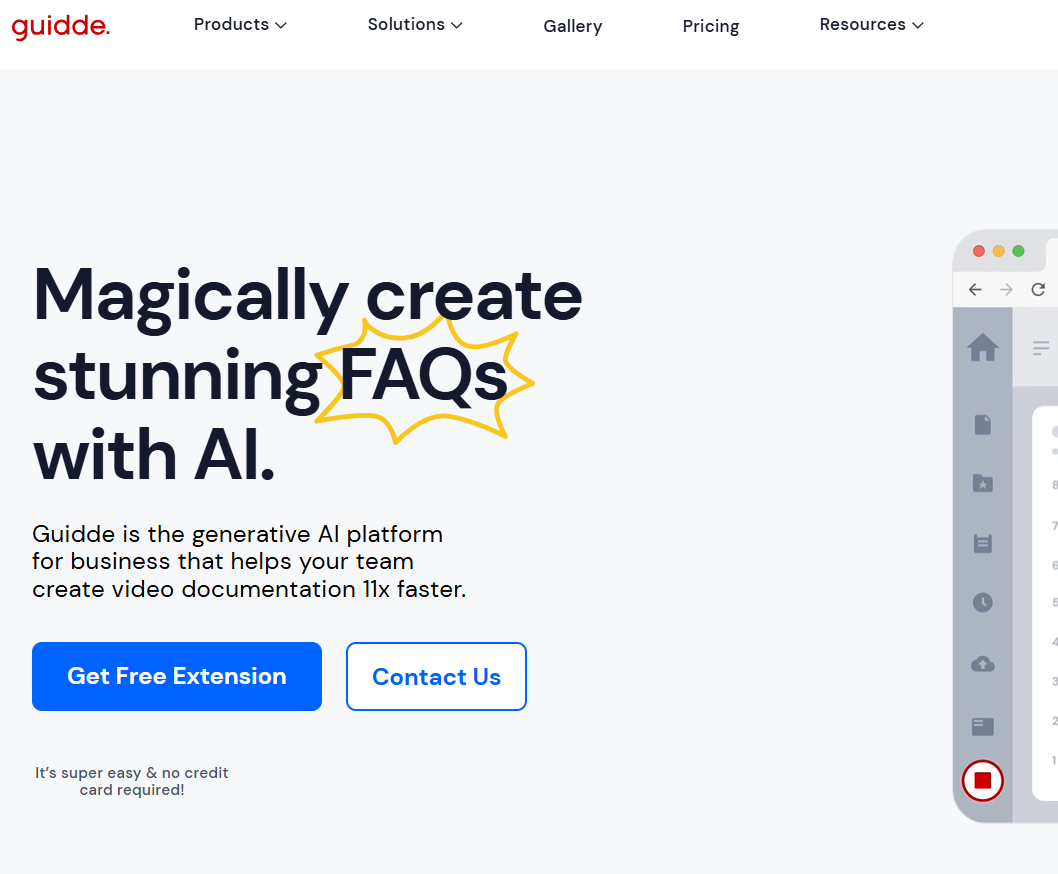

Struggling to create clear and engaging training materials? You're not alone. Traditional video documentation is often time-consuming and complicated, requiring special skills and software. But what if you could change that? Say hello to Guidde, the revolutionary generative AI platform designed to make video creation effortless. Guidde empowers you and your team to produce stunning how-to videos and documentation in minutes, not hours. This tool transforms how you share knowledge, making it faster and more effective than ever before.
Guidde AI is a generative AI platform specifically designed to simplify the creation of video documentation. It enables your team to produce high-quality, step-by-step video guides without the typical hurdles of recording and editing. Think of it as your smart assistant for knowledge sharing.
The pros of using Guidde AI include its user-friendly interface, time-saving automation, and the ability to quickly turn complex processes into clear video instructions. On the other hand, some cons are the potential learning curve for new users and possible limitations in customizing advanced features to fit very specific needs.
The primary role of Guidde AI is to automate and accelerate how you create and distribute information. By capturing your on-screen actions, the platform automatically generates clear video documentation that can be used to answer customer questions, train employees, or announce new features. This saves your team valuable time and enhances overall productivity. Recent reviews about the performance of Guidde AI highlight its intuitive interface, speed, and reliability. Users consistently praise how quickly the tool produces accurate video guides and how it simplifies complex processes, making it a top choice for organizations seeking efficient video documentation.
At its heart, Guidde was built to solve the common frustrations of video creation. Many people avoid making videos because they feel it’s too difficult, dislike the sound of their own voice, or lack editing and design expertise. Guidde’s core technology addresses these challenges head-on.
This generative AI platform uses advanced algorithms to turn your workflow captures into polished video documentation. As you perform a task on your screen, Guidde’s AI automatically adds highlights, call-outs, and step-by-step instructions. This means you no longer need to worry about manual editing or narration.
The result is a system that allows anyone to create professional-looking how-to videos in just a few minutes. By making documentation so easy to produce, Guidde helps you reduce support tickets, improve team knowledge, and deliver information with clarity and speed.
Companies across the United States are using Guidde AI to transform how they communicate and share expertise. The platform’s versatility makes it a perfect fit for various departments, from customer support to human resources. Its ability to quickly generate clear tutorials simplifies complex processes for any audience.
One of the most popular applications is in customer support, where teams use Guidde to create instant video answers for support tickets. This not only resolves issues faster but also empowers customers with self-service resources. Internally, companies use it to train employees on new software and onboard new hires more efficiently.
Other powerful use cases include:
Guidde AI is packed with key features designed to make creating how-to videos and video documentation a breeze. The platform automates the most tedious parts of the process, allowing you to focus on the knowledge you want to share rather than the technical details of video production.
From automatic screen capture to AI-generated voiceovers, every feature is built for speed and simplicity. You can create professional-grade guides in minutes and customize them to perfectly match your brand. Let's explore some of these powerful capabilities in more detail.
Guidde streamlines the entire video creation workflow, making it incredibly simple to produce high-quality how-to videos. The magic begins the moment you start recording. Just perform your task as you normally would, and Guidde captures every click and action.
The platform’s AI then takes over, automatically generating a step-by-step video guide complete with highlights and descriptive text. This automated process means your first draft is ready almost instantly, saving you hours of manual editing. The average creation time for a complete video is just three minutes.
Guidde’s automated workflow includes:
With Guidde, your video documentation will always look and feel like it came from your team. The platform offers robust customization and personalization options to ensure every video aligns with your company’s identity. The Brand Kit feature is a great example, allowing you to automatically apply your brand elements.
You can easily upload your company logo, set your brand colors, and create custom covers and endings for all your videos. This ensures a consistent and professional appearance across all your documentation. With the Auto-Detect Brand button, you can even generate a complete brand kit just by entering your website domain.
Personalization extends to audio as well. Guidde offers text-to-voice generation in over 100 languages with a variety of speakers, so you can add a clear voiceover without ever recording your own voice. For an even more lifelike sound, Enterprise users get access to ElevenLabs’ advanced voice library, adding richer emotion and tone to your guides.
Guidde AI is designed for everyone, regardless of technical skill. Whether you are a complete beginner or a seasoned professional, you will find the platform intuitive and straightforward. The editor is designed to be as easy to use as creating a PowerPoint presentation, eliminating any learning curve.
This focus on ease of use means anyone on your team can create beautiful tutorials without needing specialized training. To help you get started, Guidde also provides a comprehensive help center filled with tutorials and guides. Now, let’s walk through just how simple the process is.
Guidde AI is designed to fit seamlessly into your existing tools and workflows, starting with its powerful browser extension for Chrome. With over 100,000 users and a 4.8-star rating, the Guidde app for Chrome is a trusted tool for capturing processes directly where you work.
Once you've created a guide, sharing it is just as easy. Guidde integrates with the platforms your team already uses every day. You can instantly share your videos in emails through Gmail or Outlook, communicate with GIFs over Slack and Teams, or embed them directly into your help center articles.
The goal is to make knowledge accessible right at the point of need. Key integration capabilities include:
KeywordSearch has an AI Audience builder that helps you create the best ad audiences for YouTube & Google ads in seconds. In a just a few clicks, our AI algorithm analyzes your business, audience data, uncovers hidden patterns, and identifies the most relevant and high-performing audiences for your Google & YouTube Ad campaigns.
You can also use KeywordSearch to Discover the Best Keywords to rank your YouTube Videos, Websites with SEO & Even Discover Keywords for Google & YouTube Ads.
If you’re looking to SuperCharge Your Ad Audiences with AI - Sign up for KeywordSearch.com for a 5 Day Free Trial Today!
In conclusion, Guidde AI emerges as a transformative tool that simplifies video documentation for everyone, from beginners to seasoned professionals. With its automated workflows and customization options, creating engaging how-to videos has never been easier. It efficiently streamlines the entire process, enabling users to focus on content quality rather than technicalities. Whether you’re looking to enhance your personal projects or professional presentations, Guidde AI offers the functionality and ease of use that can elevate your video documentation experience. If you’re ready to explore the capabilities of Guidde AI, get a free trial today and see how it can revolutionize your approach to video content creation!
Yes, absolutely! Guidde AI is designed for both beginners and professionals. Its intuitive interface feels as simple as using a presentation tool, and the platform provides helpful tutorials to guide you. Anyone can create polished video documentation without prior experience, making it accessible for your entire team.
Guidde AI offers several pricing plans to fit different needs, including Pro, Business, and Enterprise tiers. Each plan provides a different level of features and customization for your documentation needs. For the most up-to-date details on features and pricing, it is best to visit the official Guidde website.
Guidde AI stands out with its powerful generative AI engine that automates nearly the entire video documentation process, making it significantly faster. While other tools require manual editing, the Guidde app focuses on creating polished, ready-to-share videos in minutes, complete with AI-generated voiceovers and branding.
