November 22, 2025

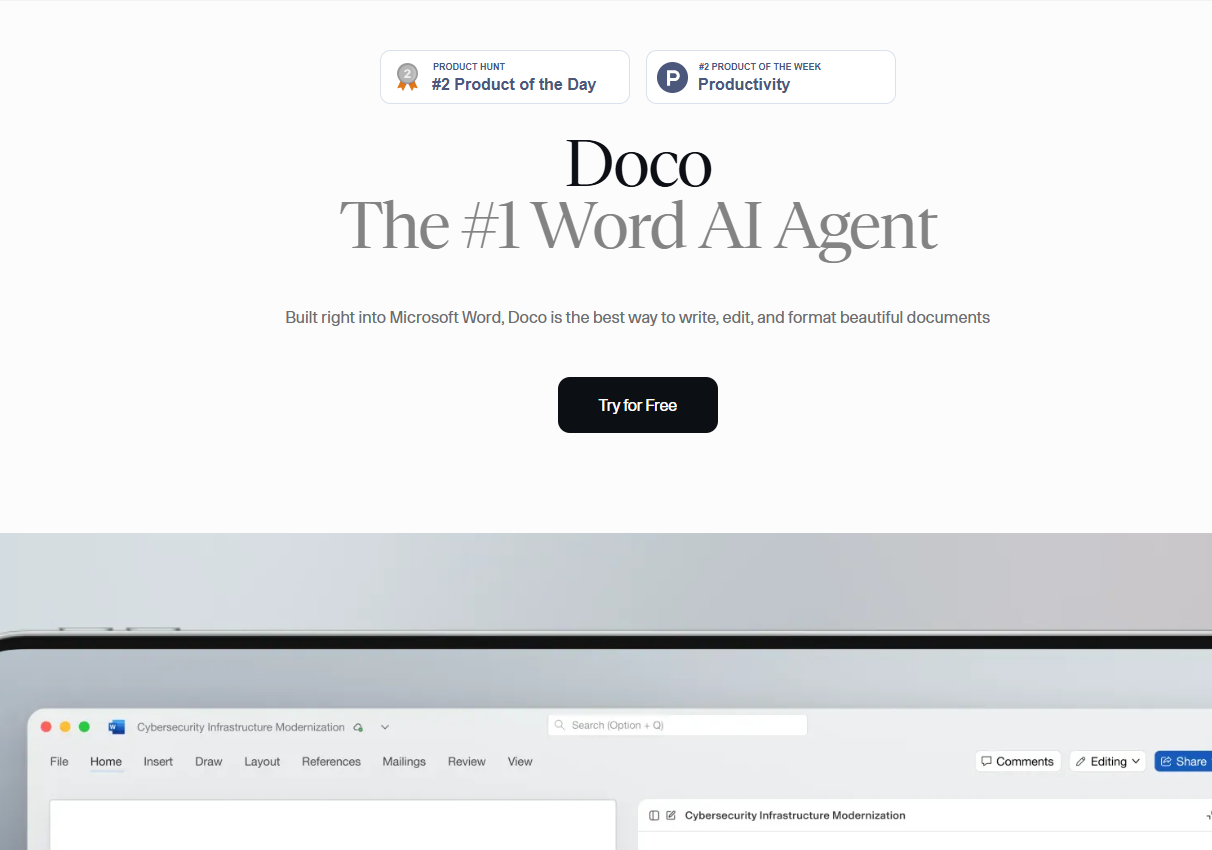

Are you looking to make your writing process in Microsoft Word faster and more efficient? Doco is an innovative AI platform designed to transform your document creation experience. It acts as your personal assistant, helping you write, edit, and format content with incredible ease. By integrating directly into Microsoft Word, Doco provides powerful tools right where you need them, allowing you to produce high-quality documents without the usual hassle. Get ready to write smarter, not harder.
Doco is an advanced writing assistant designed to enhance your work within Microsoft Word. Think of it as an intelligent partner that helps you refine your writing, improve clarity, and polish your documents. This AI agent is built to understand the nuances of language and structure, making it a powerful tool for any writer. Users report that their experience with Doco AI is positive overall. Many appreciate its seamless integration with Microsoft Word, noting how it streamlines their writing process and helps catch errors they might otherwise miss. Users also highlight Doco AI’s ability to suggest improvements that make their documents clearer and more professional.
The true magic of Doco lies in its seamless integration. Unlike other tools that require you to leave your document, Doco functions entirely within Word. This deep integration simplifies your document processing workflow, ensuring you can stay focused on your content without any interruptions. Now, let’s explore how this works in practice.
Working with Doco is remarkably intuitive because the AI operates directly within your Microsoft Word environment. You no longer need to copy and paste text into an external application for analysis. Instead, Doco provides real-time feedback and suggestions as you write, helping you make improvements on the spot. This native functionality ensures your privacy and keeps your workflow smooth and continuous.
The document AI actively analyzes your sentences to offer suggestions that go beyond basic grammar checks. It helps improve your tone, enhance clarity, and strengthen your overall structure. Whether you're drafting a report or an email, this smart assistance ensures your writing is polished and professional. This makes the document creation process both faster and more effective.
Furthermore, Doco brings a layer of automation to your writing tasks. It intelligently handles repetitive jobs like formatting headings, tables, and citations, freeing you up to concentrate on the quality of your content. This automation not only saves time but also guarantees a consistent and professional look for every document you create.
Getting started with Doco is a simple and straightforward process. There’s no need for any technical expertise to integrate this powerful tool into your Microsoft Word application. You can begin enhancing your documents in just a few minutes.
Follow these easy steps to install Doco and start writing:
Once installed, Doco is ready to use immediately. You can open any document or upload a new one and begin benefiting from its intelligent features. The platform is designed for ease of use, so you can jump right into creating better content without a steep learning curve.
Doco comes packed with key features designed to make your editing process effortless. The smart AI writing assistant analyzes your text to provide suggestions on clarity, tone, and structure. Additionally, its intelligent formatting engine helps you create visually appealing layouts with perfectly arranged headings and tables, ensuring your documents are always professional.
The built-in document AI also functions as a powerful writing assistant, reviewing your work for grammar, style, and consistency. You can accept or reject these suggestions in real time, saving valuable time while significantly improving the quality of your writing. Below, we'll examine how these features provide advanced assistance and boost team productivity.
The AI writing assistant in Doco provides more than just basic corrections. It dives deep into your content to offer meaningful improvements. By analyzing your sentences, the tool suggests ways to enhance clarity, adjust your tone for the intended audience, and refine the overall structure of your paragraphs. This ensures your message is communicated effectively and professionally.
Doco’s features work together to elevate your writing. From grammar checks to style recommendations, the platform helps you maintain a high standard throughout your document. Here’s how its assistance breaks down:
Feature
Benefit
Tone Adjustment
Helps your writing match the intended audience and purpose.
Grammar & Style Check
Corrects mistakes and improves the overall polish of your work.
Clarity Suggestions
Rewrites confusing sentences to make them easier to understand.
Consistency Review
Ensures uniform formatting and terminology across the document.
By utilizing these tools, you can ensure consistency and quality in every document you produce. The system reviews everything from individual words to entire paragraphs, helping you create content that is not only error-free but also impactful and easy to read.
Doco is not just for individual users; it’s a powerful asset for any team. By streamlining the editing and formatting process, it significantly boosts productivity. The automation of repetitive tasks allows your team to focus on what truly matters—crafting compelling content. This shared tool ensures everyone is on the same page, leading to a more efficient workflow.
The platform promotes better collaboration and higher output in several ways:
Ultimately, these features help your team work smarter together. By providing a unified platform for writing and editing, Doco reduces friction and accelerates the document creation cycle. This boost in productivity is invaluable for any corporate team looking to improve its efficiency and output.
KeywordSearch has an AI Audience builder that helps you create the best ad audiences for YouTube & Google ads in seconds. In a just a few clicks, our AI algorithm analyzes your business, audience data, uncovers hidden patterns, and identifies the most relevant and high-performing audiences for your Google & YouTube Ad campaigns.
You can also use KeywordSearch to Discover the Best Keywords to rank your YouTube Videos, Websites with SEO & Even Discover Keywords for Google & YouTube Ads.
If you’re looking to SuperCharge Your Ad Audiences with AI - Sign up for KeywordSearch.com for a 5 Day Free Trial Today!
In conclusion, Doco AI revolutionizes the way you interact with Microsoft Word by streamlining your writing process and enhancing productivity. Its advanced features not only provide grammar assistance but also foster collaboration among team members, making document editing more efficient and enjoyable. By integrating Doco AI into your workflow, you can elevate the quality of your documents while saving valuable time. Embrace this innovative tool today and experience a transformation in your writing journey. If you're ready to take the next step, don't hesitate to explore how Doco AI can work for you!
Doco offers a free trial so you can explore its features within Microsoft Word. While specific pricing isn't detailed, this suggests the AI platform operates on a subscription model after the trial period. It is positioned as an affordable solution that provides excellent value compared to other premium writing tools.
Absolutely. The Doco AI writing assistant uses advanced machine learning to provide suggestions for improving clarity, tone, and style. During document creation, it helps you refine your language and structure, resulting in a more polished, professional, and impactful final product that is easy for your audience to read.
Yes, there are other AI writing alternatives available, such as Notion AI and solutions offered by Google Cloud. However, the biggest advantage of Doco is its deep, native integration with Microsoft Word. This allows you to access all its features without ever leaving your document, setting it apart from many other AI tools.