November 29, 2025

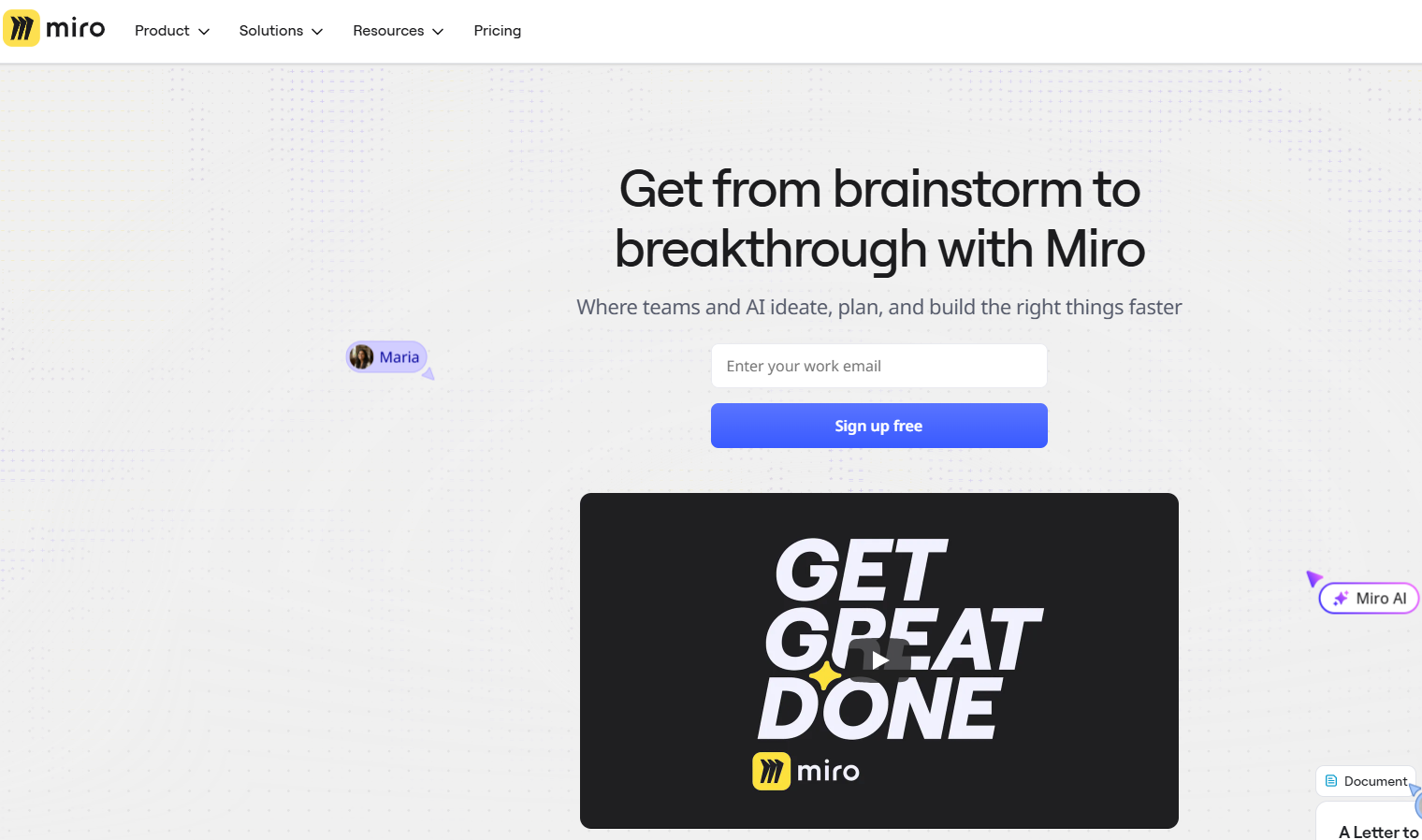

Here are the key takeaways about Miro’s AI capabilities:
If you have ever collaborated on a team project, you are likely familiar with Miro. It is a massive digital whiteboard where teams gather to brainstorm, visualize concepts, and plan projects. Now, they have introduced Miro AI, a powerful set of tools designed to make your creative work even easier. This AI integration helps you and your team generate ideas, structure thoughts, and bring your most ambitious plans to life, all within the familiar Miro environment.
Miro’s AI is designed to be a collaborative partner, not just a solo tool. Its main goal is to enhance how your team works together. Think of it as an assistant that helps generate, summarize, and organize content directly on your board, removing the need to switch between different applications.
This AI tool helps bridge the gap between different roles, ensuring stakeholders and team members are aligned. By automating tedious tasks, Miro AI frees up your team to focus on what truly matters: doing their best work and driving innovation together.
So, what is Miro AI and how does it work? Miro AI acts as a smart layer on top of your project workspaces. Instead of just helping with small, individual tasks, it's built to automate entire processes. This is accomplished through "Flows," which are intelligent AI building blocks that you can drag, drop, and connect to transform raw ideas into finished deliverables more quickly.
This approach brings incredible clarity to your projects. Imagine starting with a chaotic collection of ideas from a brainstorming session. Miro AI can instantly analyze and structure this information, creating organized plans, timelines, or kanban boards. This helps you move from unstructured thoughts to structured work faster than ever before.
Ultimately, these capabilities streamline your workflows from start to finish. The AI uses the context of everything on your canvas to generate relevant outputs, ensuring that the results are tailored to your specific project and team goals.
At the heart of Miro AI is the Intelligent Canvas, a dynamic space built for collaboration. How does the Intelligent Canvas feature in Miro AI work? It’s the single place that grows with your team's ideas, combining multiplayer features with AI to accelerate your most creative work. Unlike AI tools that isolate users, the canvas brings people together to share, create, and solve problems.
The platform also features Sidekicks, which are AI agents that bring an expert perspective right to your canvas. These agents help transform siloed individuals into a highly effective team. The AI can instantly turn a messy collection of feedback into polished meeting notes or summaries, helping you uncover patterns and make smarter decisions.
This collaborative environment ensures every voice is heard and every perspective builds on the last. With the help of AI, your team can achieve better outcomes by turning initial sparks of inspiration into concrete, innovative solutions.
Miro’s AI platform is packed with a wide range of AI features designed to boost productivity and enhance usability. These tools are seamlessly integrated into the Miro experience, allowing you to connect with over 250 other apps and tools without ever leaving your board. This means you can keep your work flowing without constantly switching contexts.
From generating ideas to creating polished presentations, the AI is designed to be a helpful partner. The following sections of this blog will explore some of these essential features in more detail, showing you how to leverage them for brainstorming and diagramming.
Are you looking for ways to jumpstart your team’s creative sessions? Miro AI makes brainstorming and idea generation feel effortless. Instead of staring at a blank screen, you can use a simple prompt to instantly fill your board with ideas. For example, you can ask the AI to generate topics or questions related to a central theme in a mind map and watch it build out in seconds.
This feature is perfect for getting the ball rolling and avoiding those awkward silences at the start of a meeting. Here’s how Miro AI helps with brainstorming:
After your brainstorms, the board might look chaotic. Miro AI can automatically cluster sticky notes by keywords or sentiment, helping you spot patterns and bring order to the chaos. This turns a messy board into clean, actionable categories.
For teams involved in product design, creating clear visuals is essential. Miro’s AI tool significantly speeds up this process with AI-powered diagramming. You can automatically create complex visuals like sequence diagrams and flowcharts simply by providing a text description. This helps teams map out workflows and processes much faster than drawing them by hand.
This automation is a game-changer for product design workflows. For instance, you can generate AI mockups and wireframes to create quick prototypes without needing advanced design skills. This allows your team to test flows, validate ideas, and gather feedback all in one collaborative space. Can Miro AI assist in creating diagrams automatically? Absolutely, and here are some of the benefits:
Feature
Benefit
AI-Generated Diagrams
Instantly create workflows and architecture from text descriptions.
AI Prototypes
Quickly build mockups and wireframes to test ideas without design skills.
Automatic Clustering
Organize feedback on designs by theme to identify key patterns.
Using this AI tool brings clarity to complexity and helps align stakeholders around a shared visual understanding, leading to better product design outcomes.
Is Miro AI suitable for remote or hybrid teams? Yes, it is incredibly beneficial for teams that are not in the same physical location. The platform is designed to keep collaborators connected and aligned, regardless of where they are working. With features that support asynchronous work, remote teams can make progress anytime.
For hybrid teams, Miro AI helps bridge the gap between in-office and remote members. For example, the AI-powered "Catch-up" feature provides quick summaries of board edits and discussions, so everyone can stay in the loop without attending every meeting. You can even book a demo to see how these features can support your specific team structure.
Ready to start using Miro AI to plan projects and improve teamwork? Getting started is simple and intuitive. The AI features are built directly into the tools you already use, making it easy to enhance your existing workflows. For more detailed instructions, you can always visit the Miro Help Center.
Here is a simple step-by-step guide to get you started:
Following these steps will help your team move from unstructured ideas to organized plans quickly, making your collaborative sessions more productive and effective.
KeywordSearch has an AI Audience builder that helps you create the best ad audiences for YouTube & Google ads in seconds. In a just a few clicks, our AI algorithm analyzes your business, audience data, uncovers hidden patterns, and identifies the most relevant and high-performing audiences for your Google & YouTube Ad campaigns.
You can also use KeywordSearch to Discover the Best Keywords to rank your YouTube Videos, Websites with SEO & Even Discover Keywords for Google & YouTube Ads.
If you’re looking to SuperCharge Your Ad Audiences with AI - Sign up for KeywordSearch.com for a 5 Day Free Trial Today!
In conclusion, Miro AI stands out as a powerful tool designed to enhance collaboration and innovation among teams. By utilizing features like automated brainstorming and AI-powered diagramming, it streamlines project workflows and fosters creativity. Whether your team is remote or hybrid, Miro AI provides an intelligent canvas that facilitates seamless communication and idea sharing. Embracing this technology can lead to more efficient project management and better outcomes. So, why not take the next step in transforming your team's collaboration experience? Get started with Miro AI today to unlock the full potential of your team's creative capabilities!
Yes, Miro’s AI is ideal for remote and hybrid teams. Its collaborative features and AI-powered summaries help keep all collaborators and stakeholders aligned, regardless of their location. You can even book a demo to see how it works for distributed teams.
Miro AI automates visual tasks using a suite of AI features. This AI tool can instantly generate mind maps, sequence diagrams, and flowcharts from text prompts. It also clusters sticky notes to organize information, turning messy brainstorms into structured meeting notes and clear workflows.
You can find official resources and tutorials on the Miro Help Center and the official company blog. These platforms offer detailed guides on all AI features. For a more hands-on experience, you can also request a demo to see the tools in action.