January 4, 2026

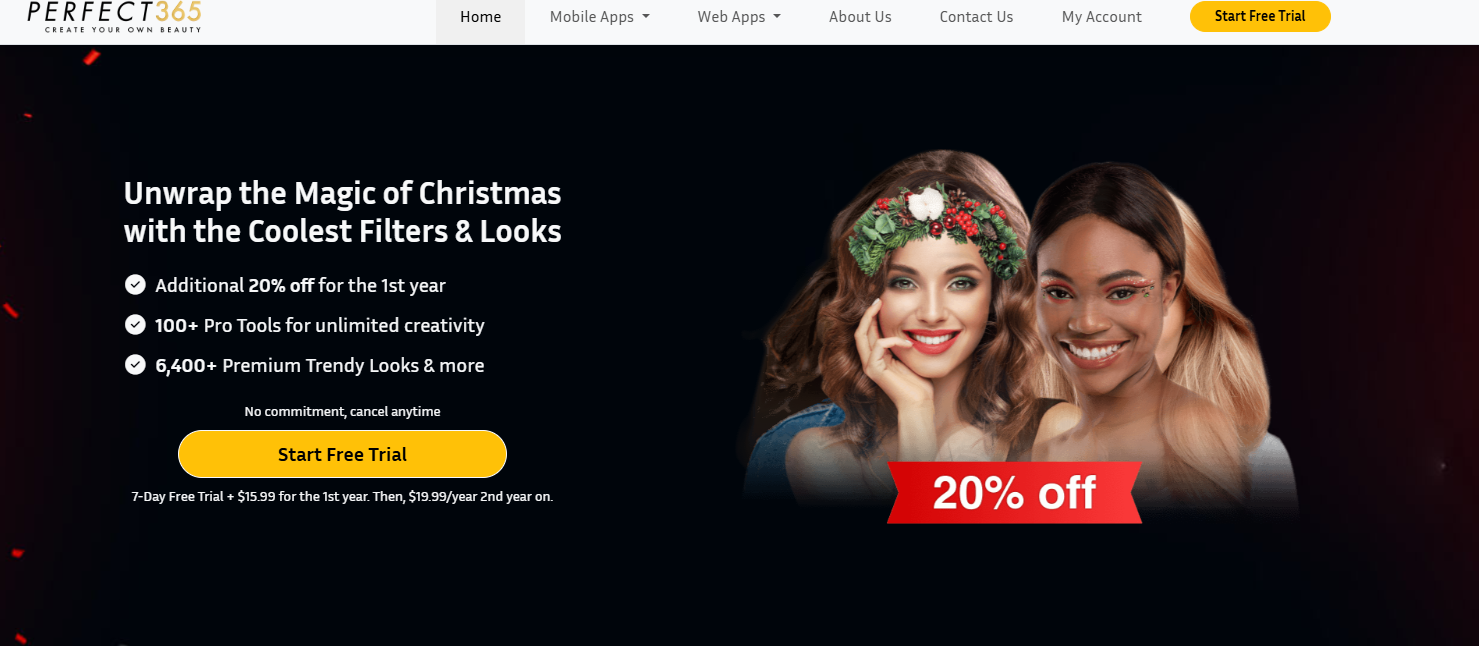

Perfect365 transforms your selfies with professional-grade tools right from your phone. Here is what you can expect from this powerful photo editor:
Are you looking for an easy way to elevate your selfies? Discover Perfect365, the ultimate makeup photo editor that puts a glam squad right in your pocket. Trusted by over 100 million users, this app gives your photos an instant beauty upgrade, making them ready for Instagram, TikTok, and more. Whether you want a subtle touch-up or a complete makeover, this photo editor provides all the tools you need. Say goodbye to complicated software and hello to flawless photo makeup with just a few taps. To stay up to date with the latest features, tips, and announcements from Perfect365, follow their official accounts on popular social media platforms like Instagram, Facebook, and TikTok. This will ensure you receive regular updates and join the community of users sharing their Perfect365 creations.
Perfect365 is packed with features that make it a leading makeup editor. You can access over 100 beauty tools and more than 3,000 one-tap styles to completely transform your look. The app’s advanced face detection technology ensures every virtual makeup application is precise and natural-looking.
Want to try before you commit? The app offers a free version with plenty of options, and you can explore even more with a free trial of the premium subscription. Below, we’ll explore the advanced editing tools and hairstyle options that make this photo editor a must-have.
This makeup editor gives you incredible control over your look. You can go far beyond simple filters and make detailed adjustments to create a style that is uniquely yours. The Pro Color Palette offers unlimited color combinations, allowing you to design your makeup from scratch. Have you ever wondered how a bold lipstick or a new eyeshadow would look on you? Now you can find out instantly.
The app provides a complete set of tools to perfect every detail of your selfie. You can fine-tune everything to achieve the exact look you want before sharing it on social media. The options include:
While many features are free, you can unlock even more powerful tools with premium features. The subscription gives you access to exclusive looks, an ad-free experience, and the ability to save your photos in high definition. The regular performance improvements ensure the app runs smoothly every time you use it.
Have you ever considered a new hair color but were afraid to take the leap? Perfect365’s virtual makeup tools extend to your hair, letting you experiment without any commitment. You can instantly see how you’d look with a different shade, from natural tones to bold, vibrant colors. This feature makes it easy and fun to explore new styles.
This photo editor offers a range of options for changing up your hair. The advanced technology ensures the hair color looks realistic in your photos, so you can get a true sense of your new style. The app allows you to:
Available on both Android and iOS, this makeup app makes it simple to try on a new hairstyle or color anytime, anywhere. Simply upload your photo, navigate to the hair tools, and start exploring. You can find the perfect new look in just a few minutes.
Getting started with Perfect365 is simple because it’s designed to work for a wide range of users. This popular makeup app is available for both Android and iOS devices, ensuring you can enjoy its features no matter what kind of smartphone you have. You can find it on the official app stores for a secure and easy app download.
Whether you're an iPhone user or an Android fan, you can quickly get this editor on your device. The following sections will guide you through the specific compatibility requirements and the simple steps to download and sign in.
You can easily find and download the Perfect365 makeup app on the world's two largest mobile platforms. For Apple users, the app is available on the App Store and requires iOS 15.0 or later, making it compatible with most modern iPhones, iPads, and even the Apple Vision Pro. The total size is around 299 MB, so make sure you have enough space before you begin the app download.
For Android users, the app is available on the Google Play Store. The specific requirements may vary depending on your device, but it is optimized for a wide range of Android smartphones and tablets. The developer, Perfect365, Inc., ensures that users on both platforms receive regular updates for performance improvements and new features.
Ready to start creating stunning selfies? The app download process is straightforward. You can get the photo editor on your phone in just a few minutes and begin exploring its powerful features. The app even offers a 7-day free trial for its PLUS membership, so you can test out all the premium tools.
Follow these simple steps to get started:
After you sign in, you can immediately start editing your photos. Upload a picture from your gallery or take a new one with the app's camera. From there, you can apply makeup, change your hair color, and use the wide array of tools to perfect your image.
KeywordSearch has an AI Audience builder that helps you create the best ad audiences for YouTube & Google ads in seconds. In a just a few clicks, our AI algorithm analyzes your business, audience data, uncovers hidden patterns, and identifies the most relevant and high-performing audiences for your Google & YouTube Ad campaigns.
You can also use KeywordSearch to Discover the Best Keywords to rank your YouTube Videos, Websites with SEO & Even Discover Keywords for Google & YouTube Ads.
If you’re looking to SuperCharge Your Ad Audiences with AI - Sign up for KeywordSearch.com for a 5 Day Free Trial Today!
In conclusion, Perfect365 stands out as an essential tool for anyone looking to enhance their makeup selfies with ease and creativity. With its advanced editing features, such as virtual hairstyle try-ons and color change options, you'll be able to experiment with different looks right from your device. Whether you're a beauty enthusiast or just looking to spice up your photos, this app is designed to cater to all your editing needs. So why wait? Download Perfect365 today and start transforming your photos into stunning visual masterpieces. Don't miss out on the fun; give it a try and see how it can elevate your makeup game!
Yes, Perfect365 offers a fantastic free version packed with tools. You can use this photo editor for quick touch-ups and apply many makeup looks without any cost. For those wanting more, premium features are available through a subscription, which you can explore with a free trial.
While the main Perfect365 makeup app focuses on photo editing, it does include a live makeup mirror feature to take pictures or videos with your chosen look. For more advanced video editing, the same developer offers a separate app called Perfect365 Video, which specializes in applying virtual makeup to videos.
The developer of this popular makeup app is Perfect365, Inc. The company is a recognized leader in photo, video, and augmented reality technology and is dedicated to providing a top-tier photo editor. They consistently release updates with performance improvements to ensure a great user experience.