December 12, 2025

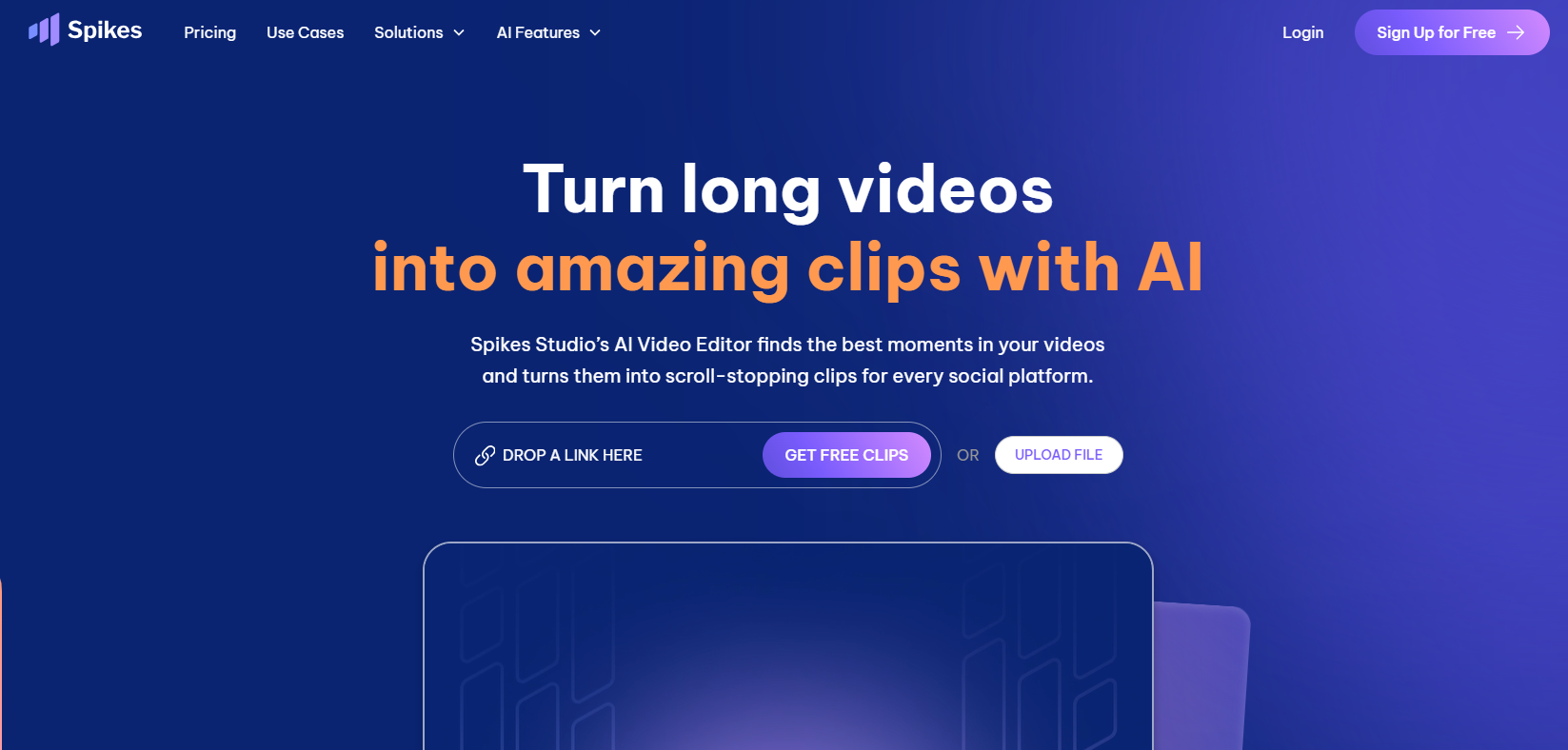
Are you struggling to keep up with the demands of social media content creation? Turning long videos into short, captivating clips can be a time-consuming hassle. That's where Spikes Studio comes in. This innovative AI tool is designed to transform your video content strategy, making it simple to create engaging clips that grab your audience's attention. Say goodbye to hours of manual editing and hello to a smarter, faster way to grow your presence on social media.
Spike AI is a generative AI video editor built to simplify your content creation process. It helps content creators repurpose lengthy videos into shareable clips perfect for various social media platforms. The tool handles the heavy lifting of video editing, allowing you to focus on what you do best: creating great content.
With this AI video editor, you can automatically generate high-quality clips that are ready to post. This streamlined approach to video editing helps you maintain a consistent presence online and engage your audience more effectively.
So, what exactly is Spikes AI? It's an intelligent platform that uses artificial intelligence to make video editing effortless for creators. The system is built on powerful algorithms that analyze your long-form video content to find the most interesting and engaging moments.
Once you upload a video, the AI gets to work. It scans your footage, identifies key highlights, and automatically clips them into short, dynamic segments. This process eliminates the tedious task of manually scrubbing through hours of video to find the perfect snippet.
For creators, this means you can produce a steady stream of content without the traditional video editing workload. Spikes AI delivers polished clips that are ready for you to review, customize, and share, saving you valuable time and effort.
Using Spikes AI to generate video clips is a straightforward process. The platform is designed to help you quickly turn your long videos into shareable clips for platforms like YouTube, TikTok, and Twitch. The clip generator identifies the best moments from your content, ensuring your audience sees the most exciting parts.
The AI automatically edits these moments into formats optimized for YouTube Shorts and Instagram Reels. It can add auto-captions, reframe shots to be portrait-oriented, and even suggest relevant hashtags to boost your reach. You can then review the generated clips and make any final adjustments before publishing.
Here's how you can create your clips:
Spikes Studio is packed with powerful tools that make video editing a breeze. The core of the platform is its AI clip generator, which automatically creates short clips from your longer videos. This feature alone can save you countless hours.
Beyond just clipping, Spikes Studio offers a range of customization options. You can add dynamic captions and subtitles to make your content more accessible and engaging. The platform also provides various templates, allowing you to maintain a consistent brand style across all your posts.
What makes Spikes Studio stand out is its robust suite of editing and customization tools. Unlike some other AI video editors, Spikes gives content creators significant control over the final product. The Spikes Editor allows you to fine-tune every aspect of your clips, from trimming footage to adjusting captions and subtitles.
This level of control helps you create content that truly reflects your brand's voice and style. The platform’s powerful tools are designed to enhance your workflow, not just automate it. You can choose from multiple templates to ensure your videos have a professional and consistent look.
Key editing features include:
Yes, Spikes Studio is designed with versatility in mind. It offers excellent support for multiple video formats and social media platforms. Whether your original content lives on YouTube or Twitch, you can easily import it and start creating clips. The platform ensures that your repurposed content is perfectly optimized for its destination.
You can export clips formatted specifically for TikTok, Instagram Reels, and YouTube Shorts. This multi-platform support allows you to expand your reach and engage with different audiences without creating new content from scratch.
The tool also supports posting to other major platforms like Facebook and LinkedIn, making it a comprehensive solution for your social media marketing needs. This flexibility ensures your video content can be shared far and wide, maximizing its impact across the digital landscape.
While Spike AI is a fantastic tool, it's always good to know what other options are out there. Several alternatives to this AI video editor exist, each with its own set of features. Comparing them can help you decide which clip generator best suits your needs as a content creator.
Let's explore how Spike AI stacks up against some of the leading competitors in the market. Understanding the differences will help you make an informed choice for your video editing workflow.
When looking at AI tools for creating short clips for TikTok and YouTube Shorts, it's helpful to compare their strengths. Spikes AI is known for giving YouTubers and streamers powerful AI-powered social clip generation with good customization options.
Alternatives offer different approaches. Some focus purely on automatic clip generation with fewer editing features, which might be faster but less flexible. Others are full-fledged online video editing suites that require more manual work for clipping but offer extensive tools for marketers and editors.
Here’s a quick comparison to give you a better idea:
Tool
Key Feature
Best For
Limitations
Spikes AI
AI-powered social clip generation
YouTubers, streamers, short-form creators
Limited features in the free plan
Klap
Automatic clip generator
Content repurposing
Fewer customization options
ClipGOAT
Online video editing & subtitles
Editors and marketers
Manual work needed for clipping
Beyond the direct competitors, a wide array of AI tools can assist with video generation. If you're looking for an AI clip generator with a specific focus, you might find an alternative that better fits your workflow. For example, some tools specialize in text-to-video creation, while others excel at lip-syncing or creating animations.
These alternatives often come with different pricing models and feature sets. Some offer robust free plans with basic features, while others are premium tools designed for professional agencies. When exploring your options, consider what matters most to you, whether it's adding captions, generating hashtags, or integrating with a specific platform like Instagram Reels.
Here are a few popular alternatives:
User feedback for Spikes Studio is generally positive, especially from content creators and influencers who value its time-saving capabilities. Many reviews highlight how the platform simplifies the video editing process, making it much easier to post consistently on social media.
However, like any tool, there is also constructive criticism. Some users have pointed out areas for improvement. Let’s look at what people are saying to get a balanced view of the user experience.
Content creators and social media influencers often praise Spikes Studio for its ability to automate the clip creation process. Many reviews mention that it puts valuable time back in their day, which they can use to engage with followers or plan new content. The platform is particularly popular among YouTubers and Twitch streamers who need to repurpose long videos for social media.
On the other hand, some user feedback points to occasional bugs and incomplete features. A few reviews note that the AI-generated clips sometimes require manual tweaking to be perfect. Others have mentioned that the editing capabilities, while good, can feel limited for users accustomed to more advanced software.
Despite these points, the overall sentiment is that Spikes Studio significantly improves the content workflow. The responsive support team is also frequently mentioned as a major plus, helping users navigate any issues they encounter.
If you're just starting your journey in video content creation, Spikes Studio is an excellent choice. The platform is designed to be user-friendly, so you don't need any prior video editing experience to get started. The AI does most of the heavy lifting, which is perfect for beginners who might feel overwhelmed by complex editing software.
The intuitive interface makes the entire workflow smooth and simple. You can easily upload your video, let the AI work its magic, and then use the simple editing tools to customize your clips. This supportive environment helps new creators produce professional-looking content right from the start.
Furthermore, the availability of a free plan allows you to experiment with the tool without any financial commitment. This makes Spikes Studio a low-risk, high-reward option for anyone looking to dip their toes into video content creation.
Understanding the pricing and accessibility of a new tool is crucial before you commit. Spikes Studio offers a flexible pricing structure, including a free plan that lets you test out its core features. This makes it easy to see if the platform is the right fit for you.
Setting up an account is simple and only requires an email. From there, you can explore the different paid plan options that unlock more advanced features like the social media scheduler and watermark-free exports.
Spikes Studio provides several pricing tiers to suit different needs and budgets. The pricing is primarily based on the minutes of video you need to process and the features you require. This structure ensures you only pay for what you use.
The Free Plan is a great starting point, offering access to the generative AI video editor and basic editing tools. For those needing more power, the paid plans unlock advanced features. The Pro Plan, for example, includes the social media scheduler, AI-generated B-roll, and automatic hashtags, all without a watermark on your final videos.
Here's a breakdown of the available plans:
Getting started with Spikes Studio is incredibly easy, thanks to its free trial offer, which comes in the form of a generous free plan. This allows content creators to explore the app's capabilities without any initial investment. The account setup is a quick and painless process.
All you need to do is visit the Spikes Studio website and sign up with your email address. Once your account is created, you can immediately begin uploading videos and generating clips. This simple setup guide ensures that you can dive right into content creation.
Here’s how to get started:
KeywordSearch has an AI Audience builder that helps you create the best ad audiences for YouTube & Google ads in seconds. In a just a few clicks, our AI algorithm analyzes your business, audience data, uncovers hidden patterns, and identifies the most relevant and high-performing audiences for your Google & YouTube Ad campaigns.
You can also use KeywordSearch to Discover the Best Keywords to rank your YouTube Videos, Websites with SEO & Even Discover Keywords for Google & YouTube Ads.
If you’re looking to SuperCharge Your Ad Audiences with AI - Sign up for KeywordSearch.com for a 5 Day Free Trial Today!
In summary, Spikes AI stands out as a transformative tool for anyone looking to enhance their video content for social media. By simplifying the editing process and offering advanced customization features, it empowers creators of all levels to produce high-quality clips suitable for platforms like YouTube, TikTok, and Twitch. The positive feedback from users underscores its effectiveness, making it a popular choice among content creators and influencers alike. With various pricing plans and free trial options available, there's no better time to explore the potential of Spikes AI. Don’t miss out on the opportunity to elevate your video presence—get started today!
Absolutely! Spikes AI is specifically designed to help you create and customize clips for platforms like TikTok and Twitch. Its AI clip generator finds the best moments from your long videos, and its editing tools let you add captions and other effects to optimize them for short-form content.
Yes, Spikes Studio is built for versatility. It supports video formats commonly used on major platforms, allowing you to easily import content from YouTube and other sources. You can then export your finished clips in formats perfectly optimized for Instagram Reels, TikTok, and YouTube Shorts.
Spikes Studio is highly recommended for beginners. The app's user-friendly interface and powerful AI do most of the heavy lifting, making content creation accessible even if you have no video editing experience. Its free plan also provides a great way for first-time video producers to start creating.