November 25, 2025

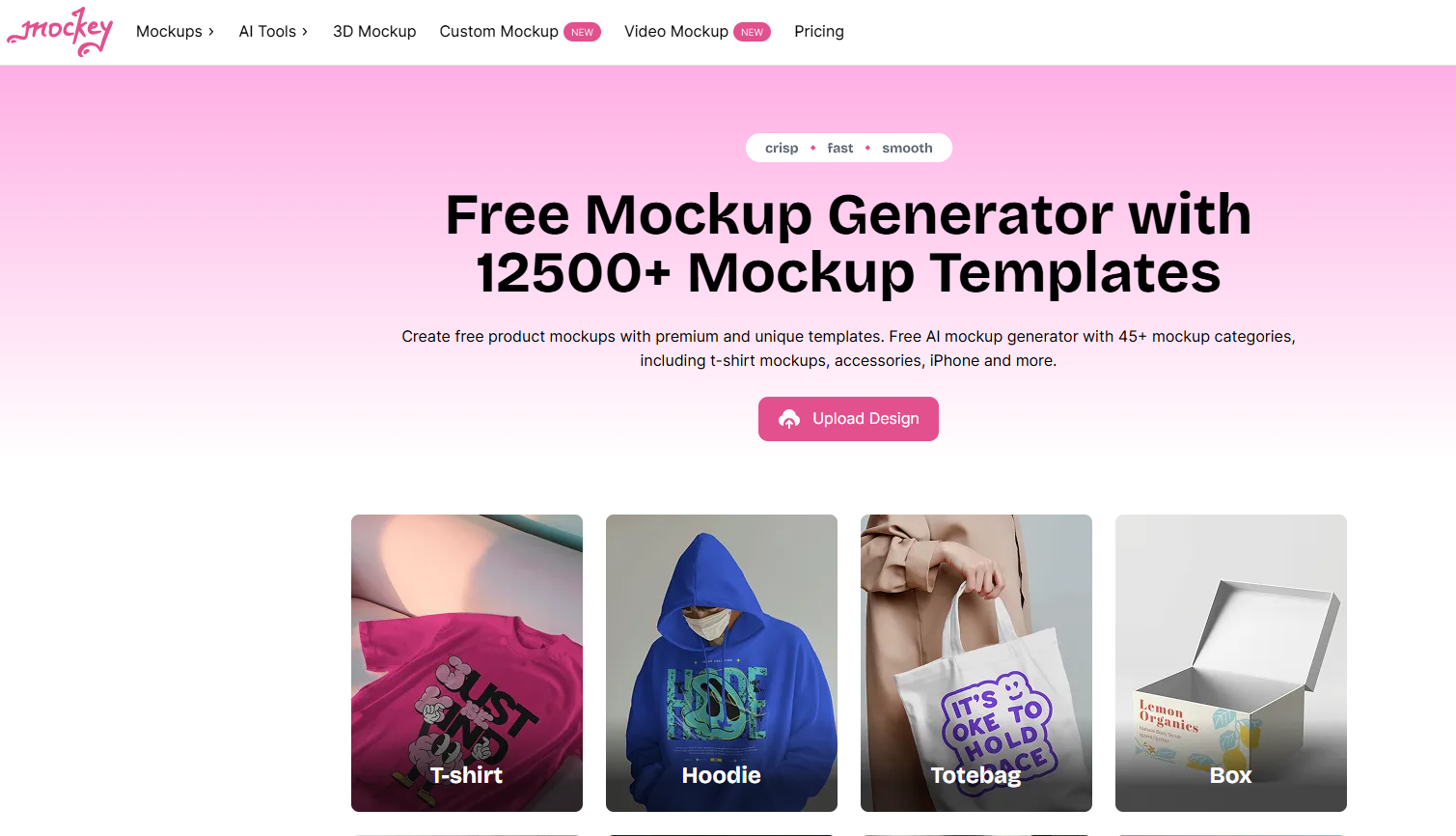
Here's a quick look at how Mockey transforms your design process:
Are you tired of struggling with complicated design tools just to create a simple product mockup? Creating professional-looking visuals for your brand shouldn't be a chore. This is where Mockey, a revolutionary AI mockup generator, steps in. It streamlines the entire process, allowing you to produce high-quality mockups without any design experience. Forget the steep learning curves of traditional software; Mockey offers an intuitive and powerful solution for everyone, from entrepreneurs to established brands.
Mockey completely changes how you approach creating high quality product visuals by replacing complex, time-consuming steps with a fast and simple workflow. This AI mockup generator is designed for efficiency, helping you turn your design concepts into realistic product mockups in just a few clicks. You no longer need to hire a photographer or master difficult software.
With Mockey, you can select a mockup template, add your design, and generate professional product mockups ready for your website or social media. This transformation empowers you to create compelling visuals that capture your brand's identity and attract customers. The following features highlight how this powerful mockup generator makes it all possible.
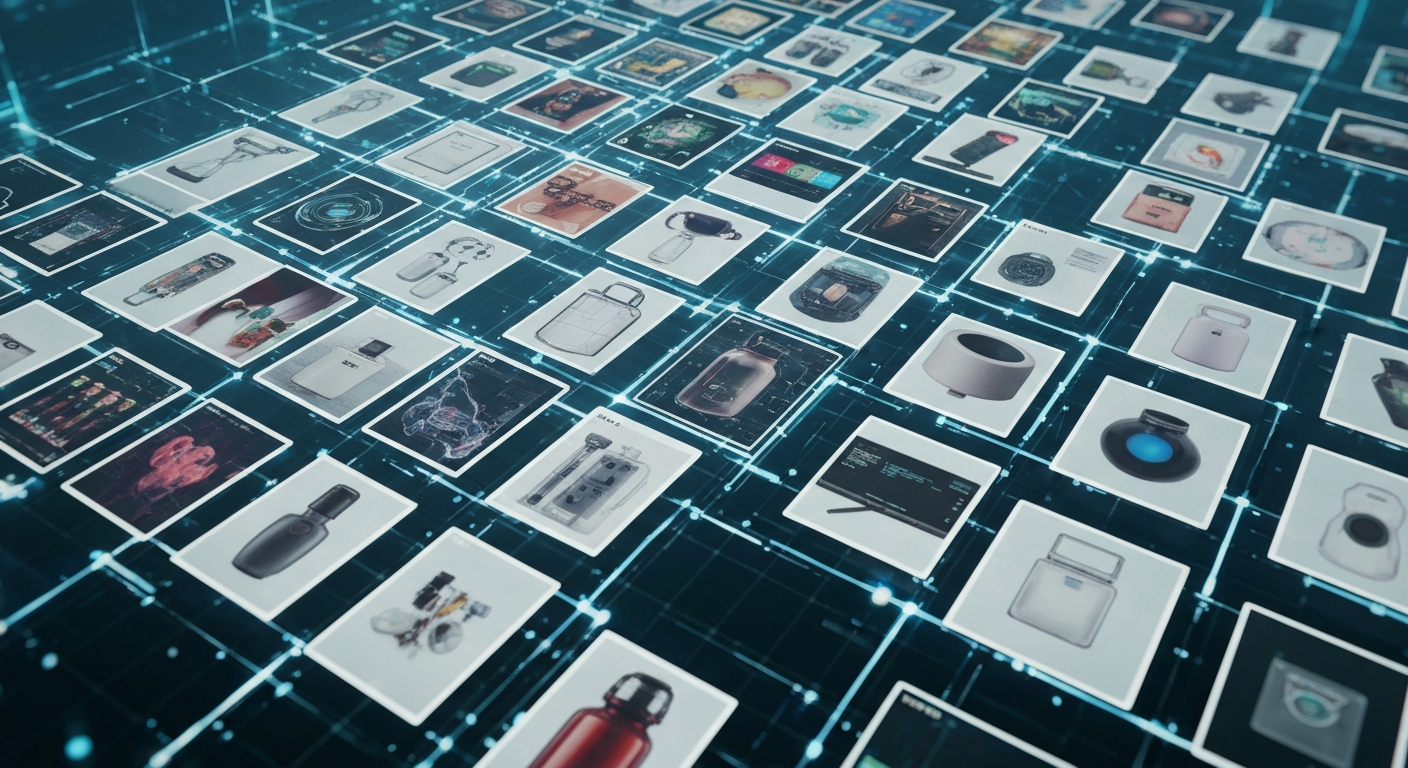
One of the biggest challenges in mockup creation is finding the right template. Mockey solves this with its massive mockup collection, featuring over 12,500 templates across more than 45 distinct mockup categories. This ensures you can always find the perfect visual for your product.
The variety is truly impressive, covering everything your brand might need. Whether you are in the apparel industry, tech space, or sell physical goods, there’s a template waiting for you. The mockup categories include:
With such an extensive library, you can showcase your product mockups in diverse and engaging ways. From a simple hoodie design to a complex packaging concept, Mockey provides the right template to bring your vision to life, ensuring your brand always looks its best.
What truly sets Mockey apart is its speed and simplicity, powered by smart AI. The AI mockup generator guides you through a straightforward process, making design accessible to everyone. You can create high-quality visuals without any prior experience. The workflow is designed to be intuitive, allowing you to get from idea to a finished mockup in minutes, efficiently creating your own mock designs.
The process is as simple as one, two, three. This intuitive system removes all friction, so you can focus on creativity instead of technical steps.
Step
Action
1. Pick a Product Template
Create a free account and choose a template from the extensive library.
2. Upload Your Design
Add your image, make adjustments, and use AI tools as needed.
3. Download Instantly
Click "Download" to get a high-quality PNG file of your mockup.
Beyond the basic steps, Mockey offers advanced AI tools like an AI background remover and background blur. These features help you create a professional photoshoot look without the cost or effort, ensuring every mockup is a high-quality, polished asset for your brand.
Mockey is designed to fit effortlessly into your existing workflow. While it’s powerful enough to be your primary mockup tool, it also works well with other platforms. You can create your mockups without ever opening complex software like Photoshop. Once your design is ready, you simply download the high-resolution PNG file.
This flexibility allows you to easily import your mockups into other design tools, such as Figma or Canva, for use in larger projects like presentations or website layouts. The ability to download a clean, transparent PNG file from any template makes integration smooth and hassle-free.
For designers on the go, Mockey also offers a convenient mobile app. If you're an Android user, you can download the Mockey AI app directly from the Play Store. This gives you the power to create and download mockups anytime, anywhere, right from your phone.
One of the most significant advantages of using Mockey AI is its generous free plan. Are the mockups generated by Mockey AI free to use for commercial projects? Yes, absolutely. You can create and download mockups for your business without worrying about licensing fees or hidden costs, making it an incredibly valuable tool for startups and small businesses.
This free offering is robust and gives you everything you need to create professional visuals. The key benefits of the free plan include:
This flexible approach sets Mockey apart from many competitors that charge per download or force you into a subscription. You have the freedom to experiment with different designs and download as many high-quality mockups as you need, giving you a professional edge without breaking the budget.
Creating a beautiful mockup is only half the battle; sharing it with your audience is just as important. Mockey's mockup generator makes this step incredibly simple. Once you finalize your design, you can quickly download a share-ready PNG file perfect for all your marketing channels.
Sharing your new mockups on social media is a breeze. There are no complicated export settings or formats to worry about. Simply follow these steps:
While Mockey doesn't have a traditional forum, it fosters an active online community through its social media presence, like its LinkedIn page. This keeps users updated on new features and provides a space for inspiration and collaboration, helping you stay connected and informed.
KeywordSearch has an AI Audience builder that helps you create the best ad audiences for YouTube & Google ads in seconds. In a just a few clicks, our AI algorithm analyzes your business, audience data, uncovers hidden patterns, and identifies the most relevant and high-performing audiences for your Google & YouTube Ad campaigns.
You can also use KeywordSearch to Discover the Best Keywords to rank your YouTube Videos, Websites with SEO & Even Discover Keywords for Google & YouTube Ads.
If you’re looking to SuperCharge Your Ad Audiences with AI - Sign up for KeywordSearch.com for a 5 Day Free Trial Today!
In summary, Mockey AI revolutionizes the mockup creation process by offering a diverse range of templates and intuitive AI-powered features that streamline your workflow. Whether you need high-quality mockups for commercial projects or simple visual presentations, this tool meets your needs efficiently. The seamless integration with popular design platforms and effortless sharing capabilities ensure that collaboration is smooth and effective. Embracing Mockey AI not only saves you time but also elevates the quality of your design work. Ready to transform your mockup creation experience? Get started with Mockey AI today!
Yes, it is! Mockey AI allows you to generate and download mockups for free, even for commercial use. This AI mockup generator provides high-resolution PNG files without any watermarks, giving you professional-quality assets for your business at no cost.
Absolutely. Mockey is the perfect tool for creating product mockups for any ecommerce platform, including Shopify. The high-quality, realistic mockups generated with AI help your products look their best, which can attract more customers and boost sales in your online store.
Mockey AI supports JPEG and PNG image uploads for your designs. It offers over 12,500 templates across 45+ mockup categories, including apparel, tech, and even video mockups. You can download your final mockup as a high-quality, watermark-free PNG file, ready for any use.