December 25, 2025

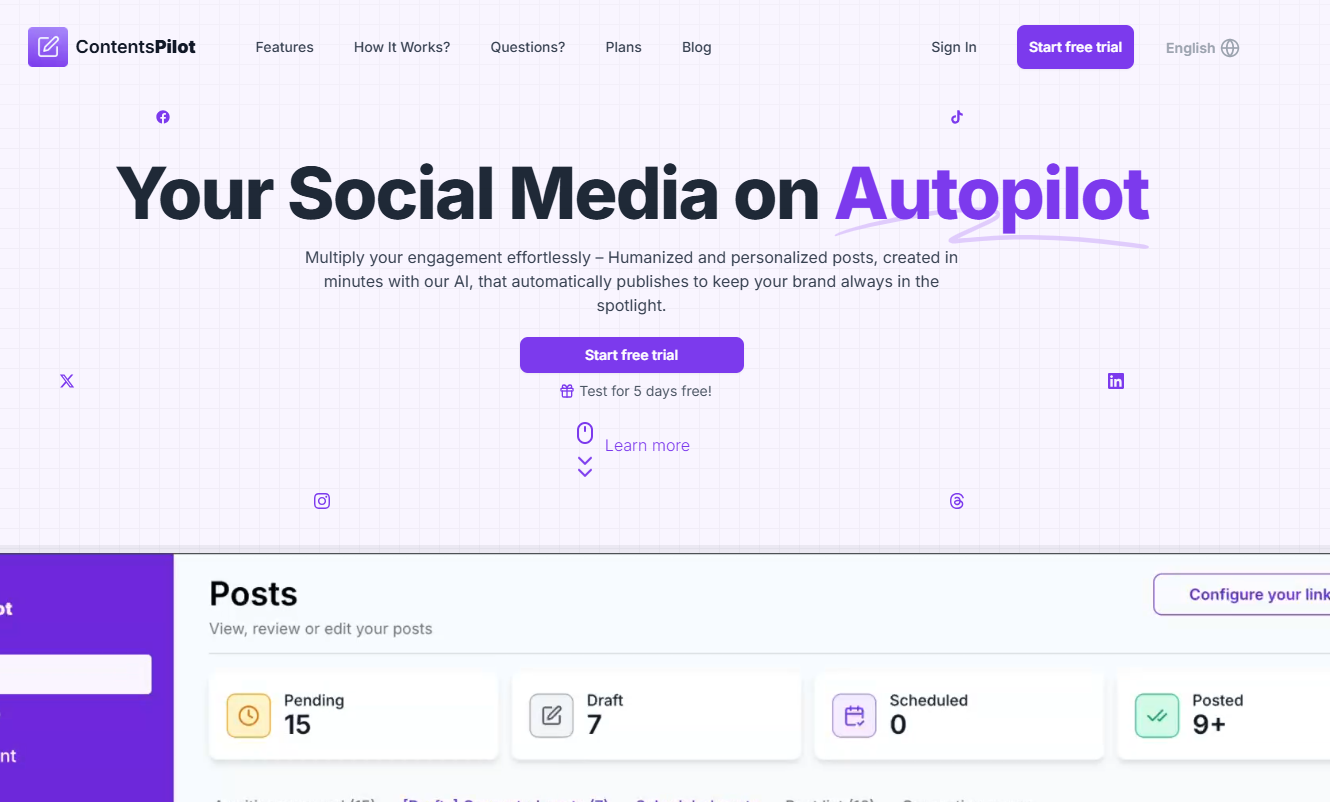
Are you struggling to keep your WordPress blog updated with fresh and engaging articles? Consistent content creation can be a major challenge, but it doesn't have to be. With the right tool, you can automate your content workflow and keep your audience coming back for more. This is where Contents Pilot comes in. This powerful plugin is designed to help you generate high-quality posts automatically, saving you time and effort while boosting your site's performance.
Contents Pilot is packed with features designed to make your life easier. It uses AI to automatically create blog posts from a wide range of sources, helping you maintain a consistent publishing schedule without lifting a finger. The plugin focuses on improving your SEO by generating keyword-rich content that search engines love.
You also get powerful tools to enhance readability and customize how your articles appear. From spinning content to make it unique to translating it for a global audience, Contents Pilot gives you the control you need. Let’s explore some of these key features in more detail.
At its core, Contents Pilot is an autoblogging plugin that automates content creation for your WordPress site. It works by fetching articles, videos, and other content from various sources based on keywords you define. This means you can set up campaigns to automatically publish new blog posts at regular intervals, ensuring your site always has fresh content.
The use of AI helps maintain a high standard of quality and relevance in the posts it generates. To ensure the content is unique and improves readability, the plugin offers an integrated content spinner. This tool rephrases sentences to avoid duplicate content issues, which is crucial for your site’s SEO health.
You can also precisely control the output to match your site's style. Key features include:
Contents Pilot is a game-changer for affiliate marketing on WordPress. The plugin automatically inserts your affiliate links into the content it generates. This means you can import products from sites like Amazon, eBay, or Walmart, and your unique affiliate code will be added automatically, helping you earn commissions effortlessly.
Beyond affiliate marketing, the plugin excels at sourcing social media content. You can set it up to import posts from Twitter, Facebook, Pinterest, and Instagram based on keywords, hashtags, or specific user profiles. This is a fantastic way to keep your site updated with trending topics and user-generated content, making your pages more dynamic and engaging.
This dual capability allows you to build a comprehensive content strategy that both informs and monetizes.
Content Source
Automation Type
Amazon, eBay
Affiliate Marketing
Twitter, Facebook
Social Media Content
YouTube, Flickr
Multimedia Content
Envato, ClickBank
Affiliate Marketing
Using Contents Pilot is about more than just putting your blog on autopilot; it’s about refining your entire content strategy. By providing a steady stream of relevant content, the plugin helps improve your site's SEO and authority. This consistent activity signals to search engines that your blog is active and valuable.
The AI-powered tools allow you to diversify your content without extra work, helping you reach new audiences. You can easily test what topics resonate with your readers and adjust your strategy accordingly. The following sections explore how you can use video and advanced automation to guide your content direction.
Yes, Contents Pilot can brilliantly transform video into new content assets for your site. The plugin features a robust YouTube module that lets you automatically convert videos into engaging blog posts. This is an incredible way to repurpose existing content and add multimedia elements to your blog with minimal effort.
Imagine being able to pull educational tutorials, product reviews, or entertaining videos directly from YouTube and have them published as posts on your site. The plugin handles the heavy lifting by embedding the video and pulling relevant information to create the post. This keeps your content varied and interesting for your audience.
You can target specific videos for your campaigns in several ways:
Contents Pilot provides a suite of advanced automation tools that give you full control over your automated blog post creation. These features go beyond simple content fetching and allow you to fine-tune every article to fit your blog's specific needs and SEO goals. This level of customization helps you maintain a consistent and professional brand voice.
One of the most powerful tools is the Search & Replace feature. This allows you to automatically replace certain words or phrases in the generated content, which is perfect for adding specific keywords, removing unwanted text, or inserting internal links. This automation helps ensure every post is optimized for your strategy.
Combined with the template editor and content spinner, these AI-driven tools empower you to guide your blog's direction effectively. You're not just creating content; you're crafting it with precision, ensuring each post aligns with your brand and contributes to your overall SEO performance.
Getting started with Contents Pilot on your WordPress website is a straightforward process. The plugin is designed for easy installation and configuration, so you don't need to be a tech expert to begin automating your content. Plus, it offers extensive customization options to tailor its functionality to your needs.
A common concern with new tools is whether they will work with your existing setup. Contents Pilot is built to be compatible with the WordPress ecosystem, including many popular plugins. We’ll look closer at its compatibility and walk through the simple installation steps.
Yes, Contents Pilot is designed to work smoothly within the WordPress environment and is compatible with other plugins. The development team frequently releases updates to ensure it works with the latest version of WordPress, as noted in its changelog. This commitment helps prevent conflicts and ensures a stable experience for users.
While the plugin is robust on its own, its ability to function alongside other tools is a major advantage. For example, the compiled information mentions compatibility with WooCommerce, allowing you to supercharge your e-commerce store by automating product posts. It also notes a fix related to a script conflict with Yoast SEO, indicating it's designed to coexist with popular SEO plugins.
Key compatibility points to remember are:
Installing Contents Pilot on your WordPress blog is simple and can be done directly from your dashboard. The automatic installation process is the easiest route, as WordPress handles all the file transfers for you. You can have the plugin up and running in just a few minutes.
After installation, you can move on to the configuration stage. This is where you'll set up your first content campaign by choosing your sources, defining keywords, and customizing the post template. The user-friendly interface makes this process intuitive, even for beginners.
Here’s how to install the plugin:
KeywordSearch has an AI Audience builder that helps you create the best ad audiences for YouTube & Google ads in seconds. In a just a few clicks, our AI algorithm analyzes your business, audience data, uncovers hidden patterns, and identifies the most relevant and high-performing audiences for your Google & YouTube Ad campaigns.
You can also use KeywordSearch to Discover the Best Keywords to rank your YouTube Videos, Websites with SEO & Even Discover Keywords for Google & YouTube Ads.
If you’re looking to SuperCharge Your Ad Audiences with AI - Sign up for KeywordSearch.com for a 5 Day Free Trial Today!
In conclusion, Contents Pilot is a game-changer for WordPress users looking to elevate their content strategy. With its robust features such as streamlined autoblogging and automated content creation, this tool enables you to manage your digital presence effortlessly. By integrating affiliate marketing and social media automation, Contents Pilot not only saves you time but also enhances your reach and engagement. Additionally, its compatibility with popular WordPress plugins ensures a seamless experience as you set up and customize the tool for your needs. Embrace the power of Contents Pilot and watch your content flourish like never before. If you're ready to take your content creation to the next level, consider booking a free consultation to explore what Contents Pilot can do for you!
Absolutely. Contents Pilot uses AI to fetch social media content from platforms like Twitter and Facebook and publish it on your WordPress site. For affiliate marketing, it automatically finds products from various networks and inserts your affiliate links into the posts, helping you earn commissions without manual effort.
Yes, Contents Pilot is highly effective for the management of diverse content assets. The plugin uses AI to transform videos from YouTube, articles from RSS feeds, products from e-commerce sites, and social posts into new blog posts, allowing you to easily diversify your site's content from a single dashboard.
User reviews for Contents Pilot are generally very positive. Users praise it for being easy to use and for doing exactly what it promises. Many highlight its powerful features for WordPress autoblogging and affiliate marketing. Its responsive and helpful customer support team is also frequently mentioned as a major plus.